

Multi-agent AI for web development
The AI agent team that
plans, builds & deploys
your web apps
Modurian turns a prompt into production-ready code — with smart model routing, live preview, and one-click deploy in a single workspace.
Latest models built in — text, code, and images. No API keys to configure.
Free · no credit card · 50 credits on signup
Modurian IDE for Windows
Build in your own editor, with the same account
Install the IDE, sign in once, and use the same credits on the web and in the editor.
Product
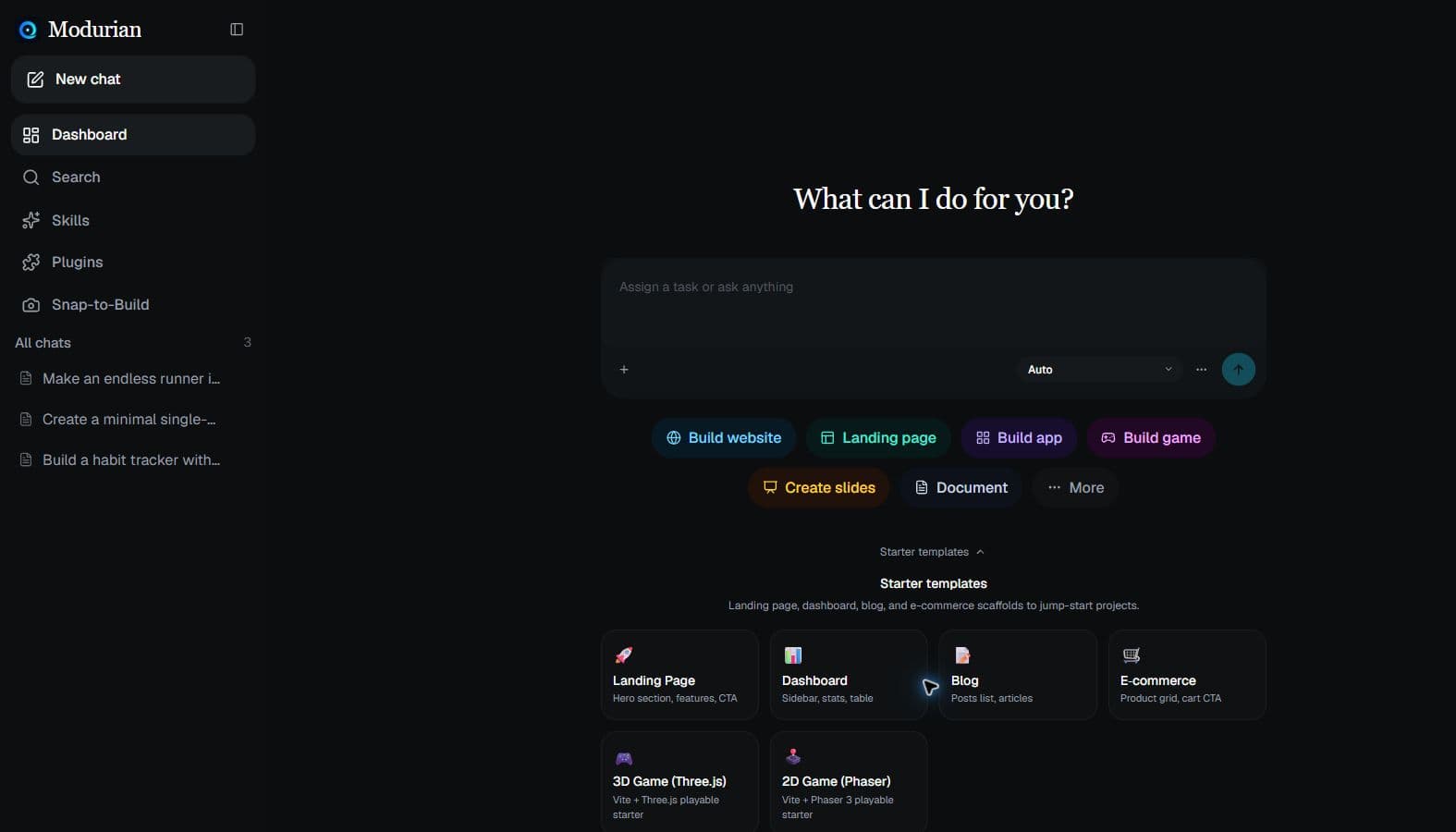
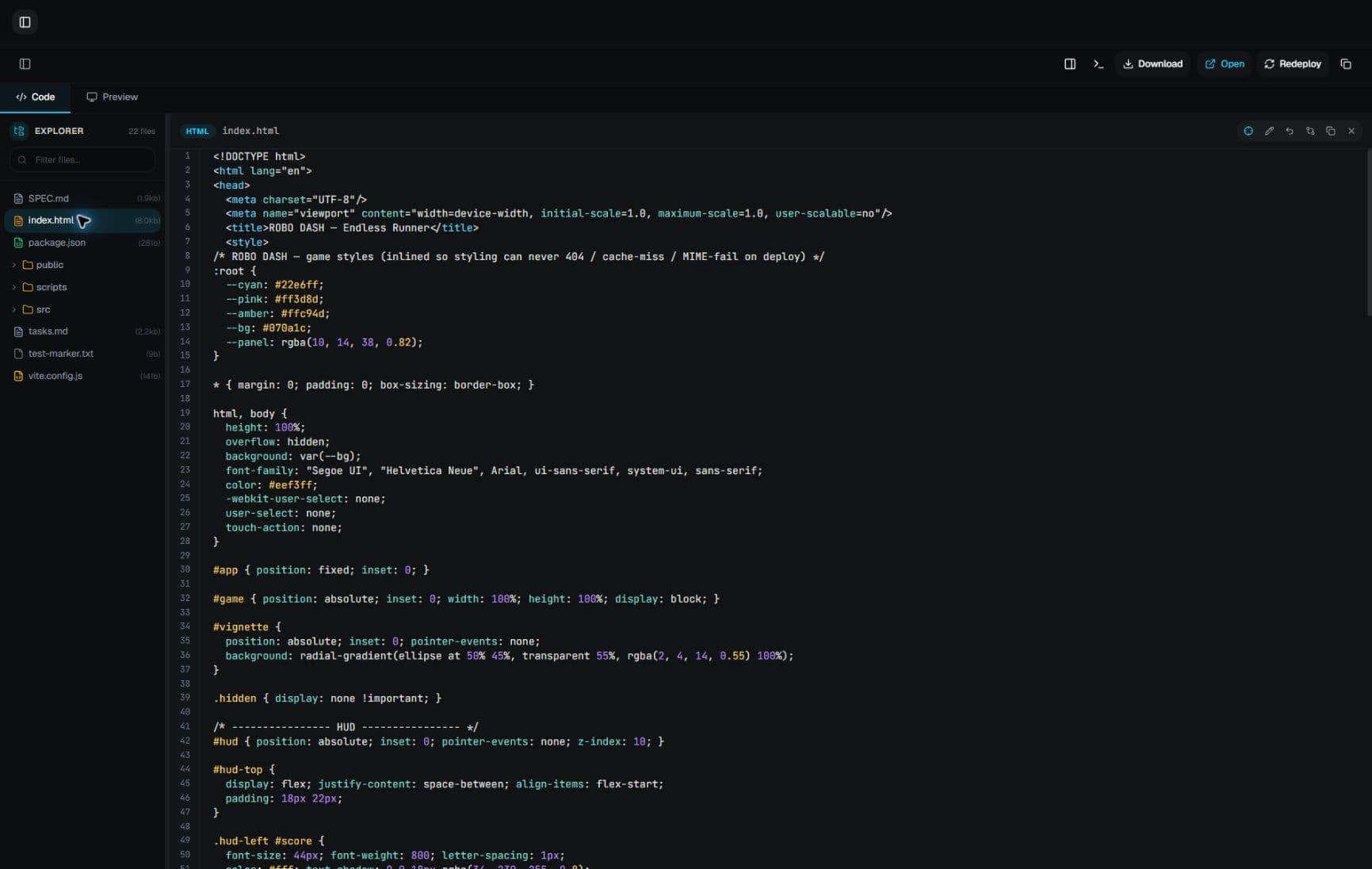
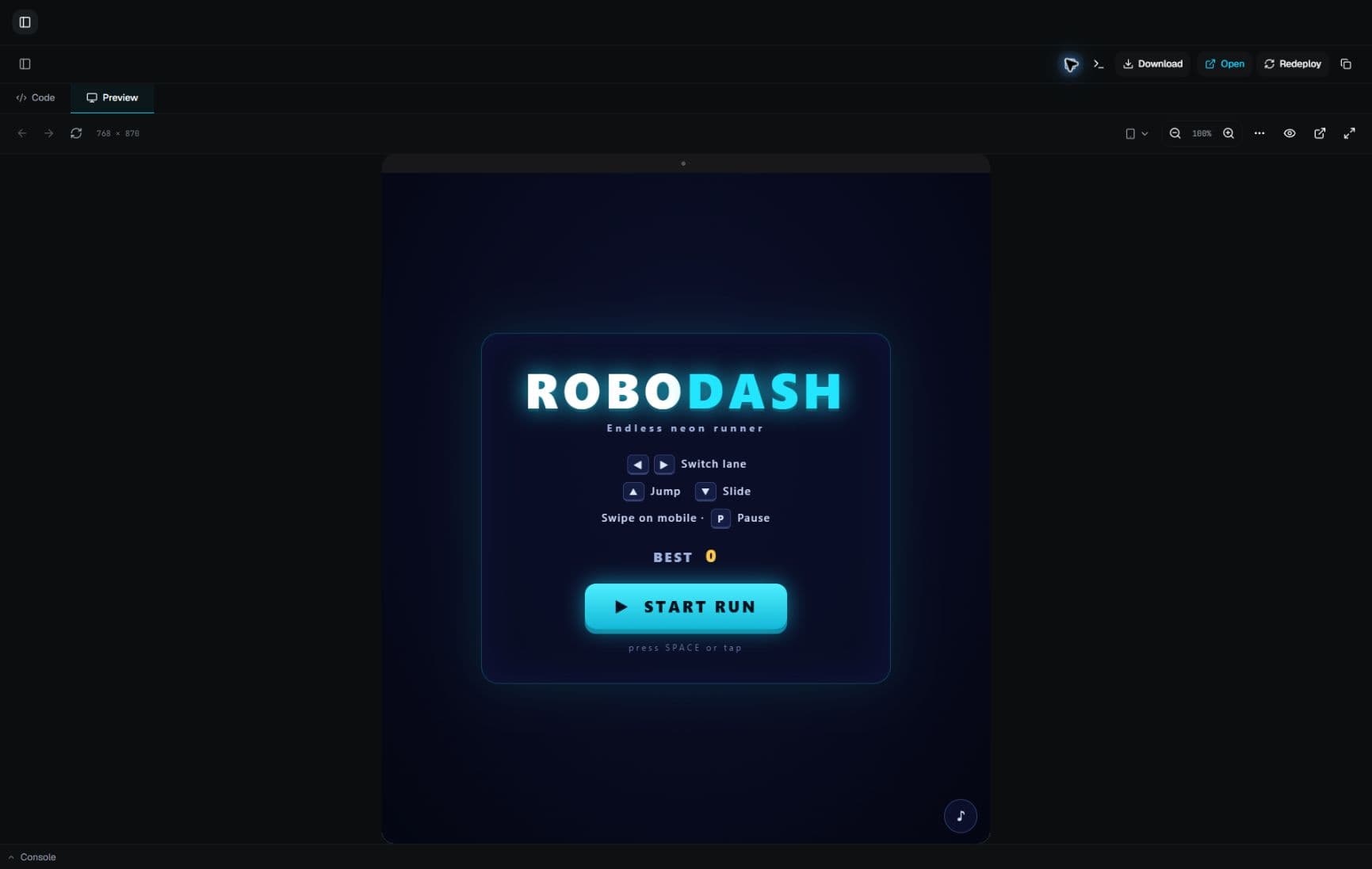
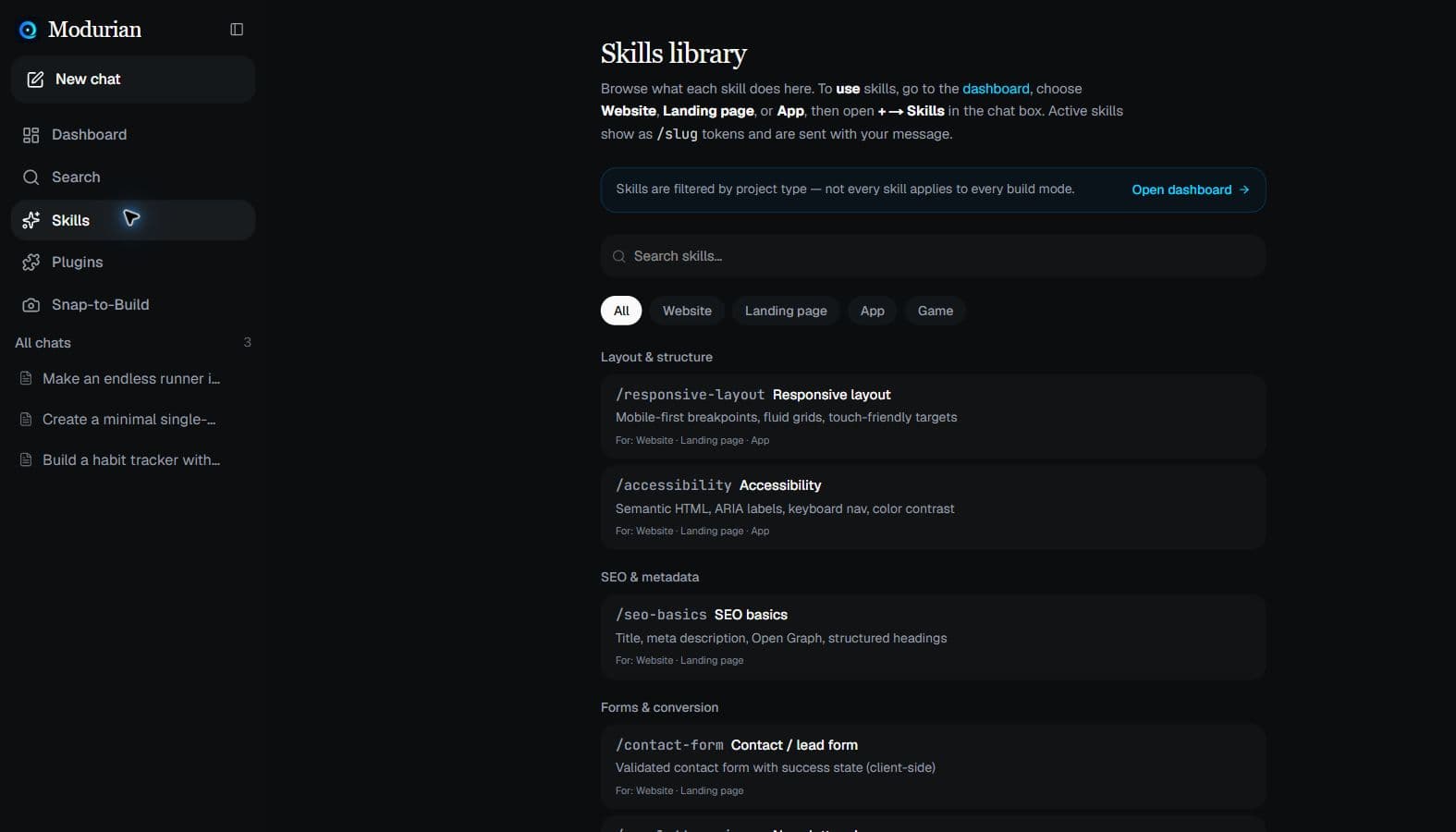
See the workspace
Chat, plan, preview, and deploy — without leaving the browser.
Workflow
Plan first, then build
Pick a project type, switch to Plan when you want a formal plan.md, or stay on Build and ship immediately.
Architect before you code
On any project type, switch to Plan — discuss, save plan.md, then approve to build.
Ship working code
Agents write files, run terminal commands, fix errors, and iterate until the preview looks right.
Capabilities
Everything you need to ship
One workspace. Multiple agents. From idea to deployed URL.
Multi-agent modes
Build, Plan, or Ask — specialized agent behavior for coding, architecture, or Q&A without touching files.
Smart model routing
Auto picks the best included model for each message — architecture and debugging vs fast edits. No API keys to configure.
Ready on sign-in
AI models are pre-configured in the platform. Sign in with Google and start building — we handle the infrastructure.
Full IDE workspace
Chat, file tree, syntax-highlighted code viewer, live preview, and agent status — all in one screen.
Live preview
Sandboxed iframe with device modes, live reload, CSS hot reload, console, element picker, split view, a11y scan, and screenshot diff.
One-click deploy
Ship to a public URL under /spaces — shareable links that persist across restarts.
Workflow
From prompt to production
Describe your idea
Tell Modurian what you want — a landing page, dashboard, or full app. Start from a template or a blank slate.
Agents build & preview
Planner and builder agents write code, run commands, and show a live preview you can inspect in real time.
Deploy & share
Ship to a public URL, export a ZIP, or push to GitHub when you're ready to show the world.
Jumpstart
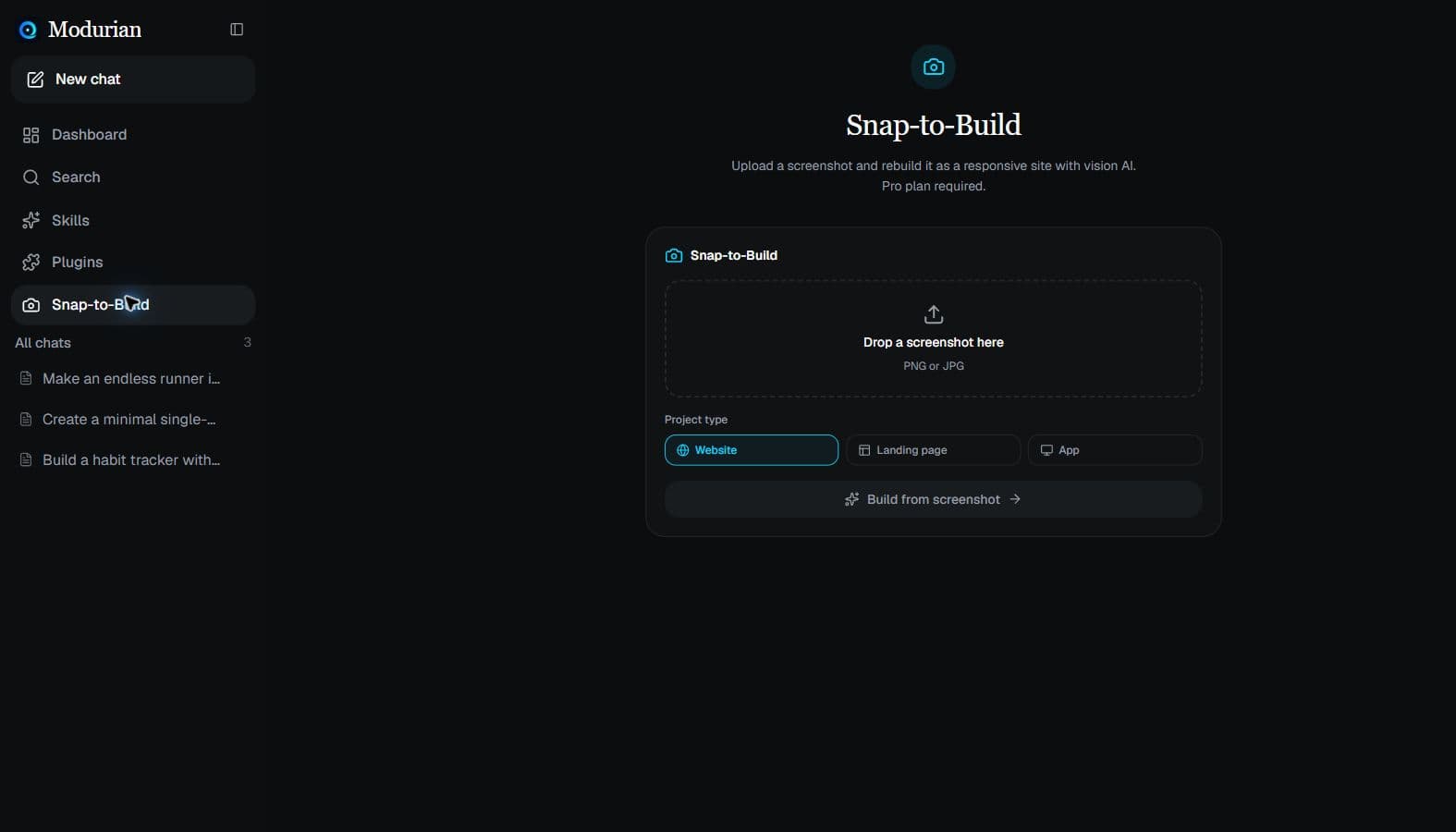
Build faster from screenshots
Skip the blank page. Upload a screenshot and let vision AI rebuild the design into a working first draft.
Roadmap
What's coming next
- Credit top-up packs
- Team / organization billing
- Usage analytics dashboard
Get updates and early bonus credits
Prefer email over Google for now? Join the list — product news plus invites when we drop bonus credits. Sign in with Google anytime for 50 free credits to start building.
We only use your email for Modurian updates. Unsubscribe anytime. See our Privacy Policy (GDPR). Sign in with Google anytime for 50 free credits.
Ready to build with AI agents?
Sign in with Google — free, no credit card, 50 credits on your first account.