
Build software in your own editor
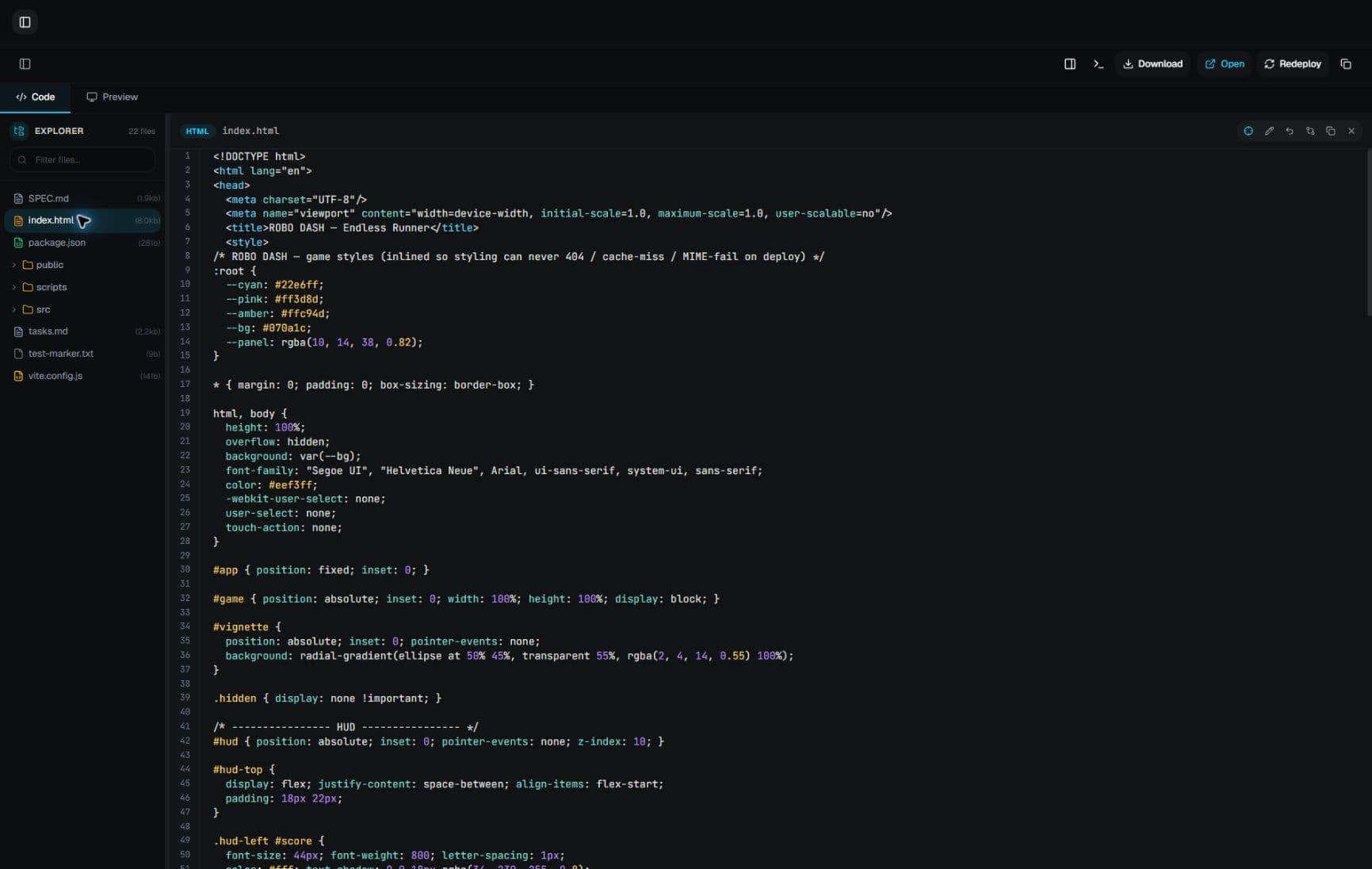
Modurian IDE brings an AI coding partner into your editor. It reads your project, proposes changes you can review, and runs commands only when you approve. Your Modurian account and credits work here and on the web.
Windows 10 or 11, 64-bit.
One account
Web and IDE, one account
Sign up once. The same credits work in the browser and in the IDE.
Step 1
Create an account
Sign up at modurian.com. You start with 50 free credits.
Step 2
Use it where you work
Build in the browser, or install the IDE and sign in with the same account. Both draw on the same credits.
Step 3
Upgrade when you need more
Pro includes 2,000 credits per month, usable on the web and in the IDE. Credits never go negative: when they run out, the model pauses until you get more.
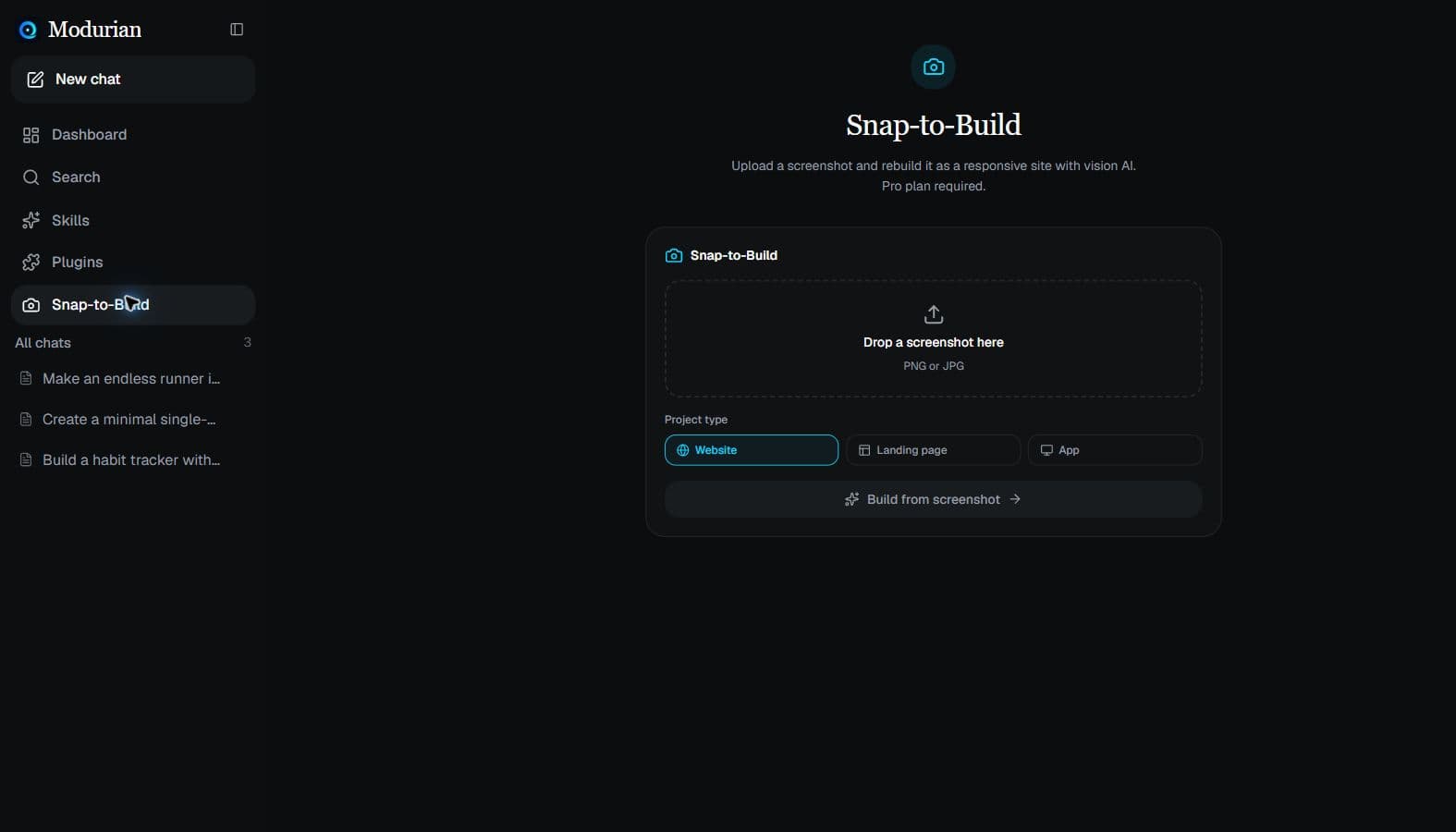
The web app
The same workspace, in the browser
Chat, build, preview and deploy from modurian.com with the same account.
Install
Install and sign in
Four steps from download to your first change.
- Download and run ModurianIDE-Setup.exe.
- Open Modurian IDE, press Ctrl+Shift+P, and run Modurian: Sign In.
- Log in on the page that opens, then click Allow. The IDE signs in automatically.
- Open the chat and describe what you want to build.
Windows may warn about an unknown publisher because this installer is not code-signed yet. Choose More info, then Run anyway.
Powered by DeepSeek for now. More model support is coming.